
Have you ever wondered how guys on social media are suddenly posting such super stylish, expensive-looking pictures? You might think they are spending money on heavy studio setups, costly jackets, or professional editing. But the truth is much simpler.
All they are using is a normal daily selfie and a powerful trending prompt on ChatGPT. In just a few seconds, you can easily change your everyday background to a dark, smoky studio or swap your casual t-shirt for a premium burgundy suit.
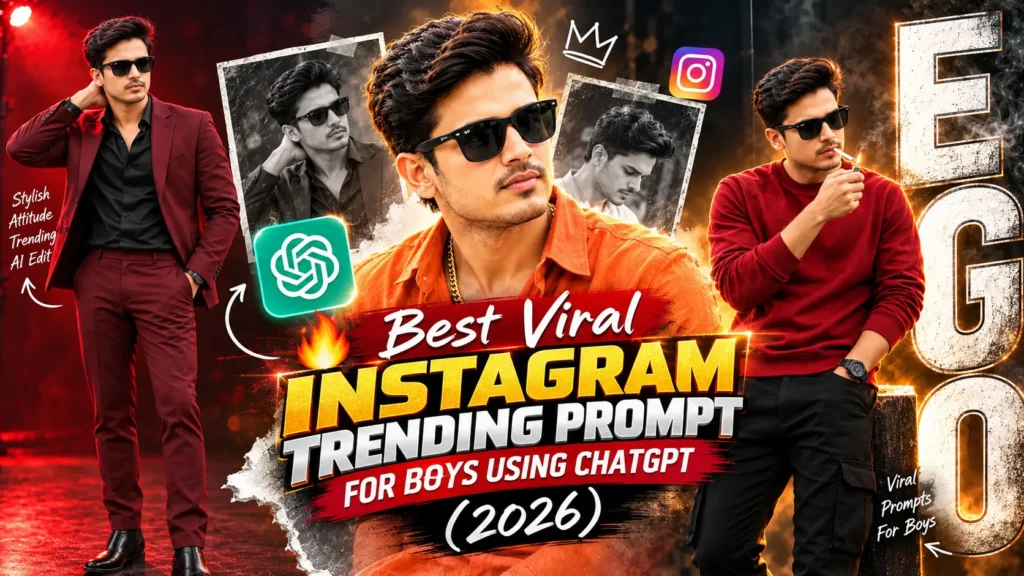
I know how boring regular, straight-standing photos can get. That is why I have written 3 brand-new, unique prompts especially for boys. We are going to explore some really cool vibes today—from a dark “EGO” attitude poster to a rich digital oil painting and a sharp, high-fashion magazine look.
The best thing about these prompts is that they lock your exact identity. The AI keeps your real face, your jawline, and your skin tone exactly the same, giving you a 100% natural result that actually looks like you. Are you ready to shock your friends with your new DP? Simply choose your favorite style from the list below, upload your photo to ChatGPT, and let the magic begin.
Instagram Trending Prompt for Boys Using ChatGPT
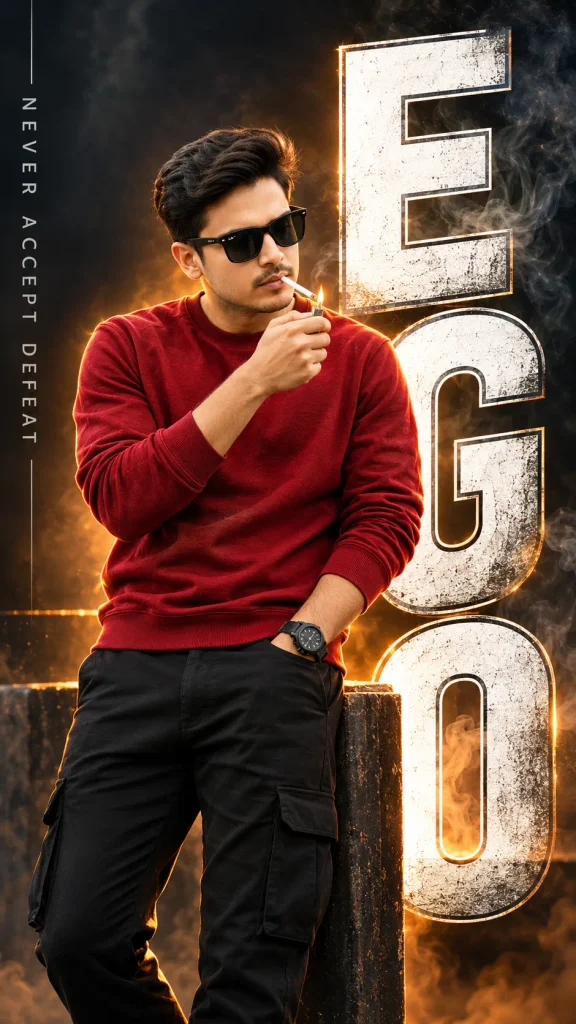
Use the uploaded photo as an exact face reference. Create an ultra-realistic 8K cinematic portrait of this young man wearing a highly textured, thick deep-red sweatshirt and dark black jeans. He is standing sideways with his head slightly lowered, lighting a cigarette with a metal lighter. The lighting features a dramatic orange rim light against a dark, smoky studio background. Behind him, there is oversized, white-outlined 3D typography spelling the word “EGO” vertically, slightly overlapping his body. On the left side, vertical futuristic text reads “NEVER ACCEPT DEFEAT”. High contrast, moody underground atmosphere, professional cinematic poster design, 9:16 vertical ratio.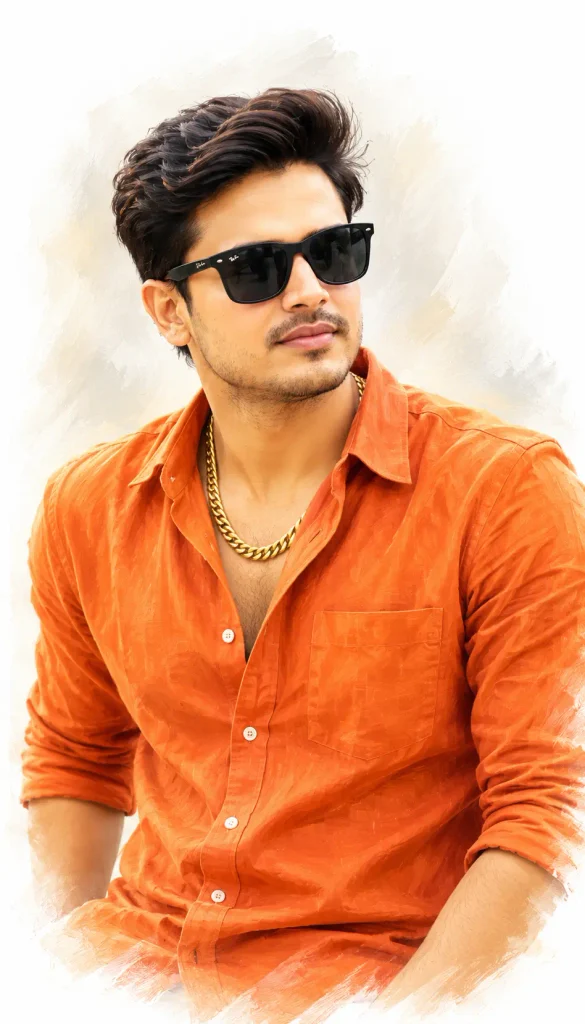
Use the uploaded image as a 100% exact face and identity match. Create a high-quality digital oil painting portrait of this man. He has a joyful, warm smile and is looking slightly off-camera. He has thick, voluminous wavy black hair styled in a modern messy-chic look. He is wearing a crisp orange linen shirt with the top few buttons left open, revealing a thick gold chain around his neck. Art style: A smooth painterly finish with a soft glowing aesthetic, highly detailed oil painting brushstroke textures, hyper-realistic facial features, and vibrant natural skin tones. Background: A clean white vignette with a subtle gradient fade.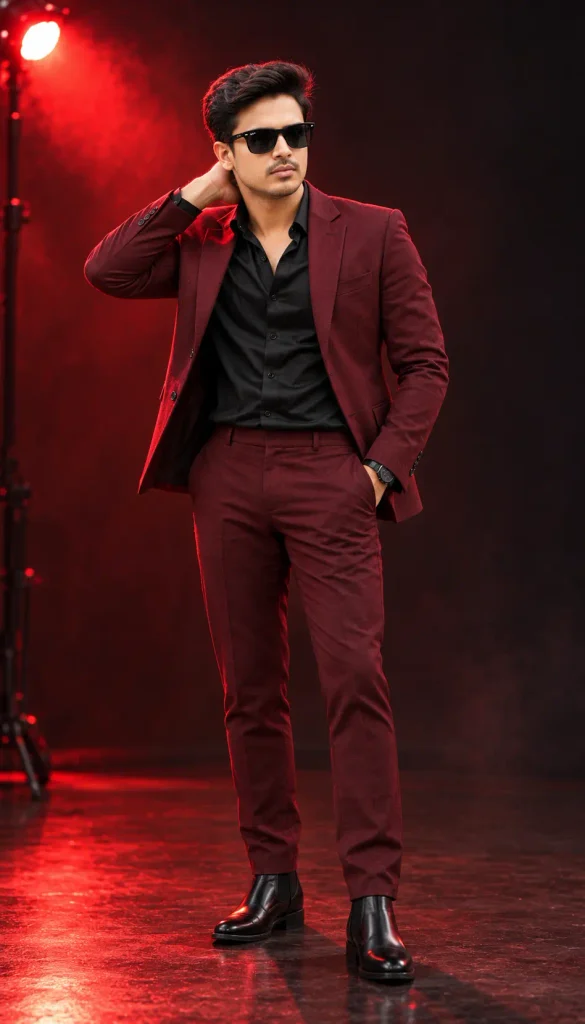
Use the uploaded image as the exact face reference, keeping the skin tone, facial structure, and proportions 100% unchanged. A straight front-facing, 4K ultra-realistic bright portrait. The man is wearing a premium deep burgundy tailored suit paired with a luxurious black silk shirt and sleek black Chelsea boots. Hairstyle: Refined, brushed-back volume. Pose: Standing confidently with one hand placed behind his neck and the other hand relaxed inside his trouser pocket. The setting is a dark fashion studio illuminated by a single intense red accent light. He has an intense, sharp expression. Dramatic high-fashion magazine aesthetic, sharp focus, vibrant and clear face.Why Every Boy is Using ChatGPT for AI Photos
Let’s be honest, booking a real professional photoshoot with moody studio lights costs thousands of rupees. And buying a premium burgundy suit or a stylish jacket just for one Instagram picture that is way too expensive. This is exactly why ChatGPT has become a total game-changer for boys. With ChatGPT, you do not have to spend a single rupee to look your best. You can get that exact “bad boy” attitude or a rich “high-fashion” magazine vibe completely for free. In just a few seconds, you get a premium, ultra-realistic picture that looks like it was clicked by a top celebrity photographer. It saves your money, your time, and gives you a killer profile picture instantly!
How to Create Images Using Trending Prompts in ChatGPT
Creating these viral photos is super easy. You do not need to be a tech expert or know any hard editing skills. Just follow these 4 simple steps:-
- Step 1: Open the ChatGPT app on your mobile phone or visit the website on your laptop. Make sure you are using a version that allows image generation.
- Step 2: Look for the small attachment icon (it usually looks like a plus sign or a paperclip) in the chat box. Click it and pick a nice, clear, front-facing photo of yourself from your gallery.
- Step 3: Scroll down to my top 3 prompts below. Choose the style you like the most, copy the exact text, and paste it right into the ChatGPT message box where you uploaded your photo.
- Step 4: Click the send button and wait for about 10 to 15 seconds. ChatGPT will read the text and create your masterpiece. Once it is done, simply download the image in full HD and it is ready to use!
My Personal Tips for the Perfect AI Portrait
I have generated hundreds of AI photos, and I know exactly what works and what doesn’t. Sometimes the AI can change your face completely or give you weird-looking fingers! To make sure your final picture looks 100% real and exactly like you, just keep these simple secrets in mind:-
- The Right Selfie is Everything: Always upload a clear, straight-facing photo taken in natural daylight. Please avoid sunglasses, heavy caps, or Snapchat/Instagram filters. If the AI cannot clearly see your real jawline, hairstyle, and skin tone, it will just invent a new face for you.
- Keep Your Face Locked: Even if you change the clothes or background, always tell ChatGPT to keep the facial features and skin tone 100% unchanged. Don’t worry, I have already included this secret line in all the prompts above.
- Watch Out for the Hands: AI tools sometimes get very confused and create extra fingers or awkward hand poses. If the pose looks unnatural, simply reply to ChatGPT and say, “Fix the hands,” and it will correct it.
- Get the Perfect Size for Instagram: If you are planning to use the image for your Instagram Story or a Reel cover, you need a tall photo. Just make sure the prompt includes “9:16 vertical ratio” so it perfectly fits your mobile screen without cropping.
- Don’t Settle on the First Try: If the first generated picture feels a little off, do not give up! You can easily chat with the AI to fix it. Just type, “Make the red light a bit darker,” or “Change the hair to be a bit shorter,” and ChatGPT will instantly give you a fresh, updated version.
Final Thoughts
Getting a killer profile picture is no longer about settling for a basic, boring selfie. Whether you want to show off a dark, cinematic street attitude, a rich artistic vibe, or a sharp, high-fashion magazine look, each of these styles creates a completely different vibe for your social media.
These 3 ChatGPT prompts give you a solid mix of cool aesthetics to play with. Start with the concept that fits your personality the best, upload your photo, and do not be afraid to experiment. You can easily ask the AI to change the color of the burgundy suit, swap the word “EGO” for your own name, or adjust the background lighting.
The main goal is to create a striking, premium image that still feels exactly like you—with your real face, natural expressions, and an unbeatable style. Go ahead, try them out, and give your profile picture that massive upgrade today.
Read More: Trending Couple Garba Look Prompts For Gemini 2026